

 How can you make 'learning' colours a bit more fun? One set of words kids do not have a problem with, really, except maybe "false-friends" in some languages maybe...
Really wanted my charges to actually read the words from their class book (see the word, go back a page to the visual clue if necessary) and demonstrate they could worj their way through a list, in the correct order.
In pairs, swapping jobs as photographer & model, they were given iPhone/iPod . Camera app open, go find items of each colour in the classroom. Independence Day! Off they galloped!

Word of caution - these devices are expensive, so make sure you are doing this with a 'sensible' group. Suggest turning on 'airplane' mode so no in-app purchases get clicked, or your twitter feed/phone goes off! Maybe help with reducing camera shake?!

In pairs, swapping jobs as photographer & model, they were given iPhone/iPod . Camera app open, go find items of each colour in the classroom. Independence Day! Off they galloped!
Word of caution - these devices are expensive, so make sure you are doing this with a 'sensible' group. Suggest turning on 'airplane' mode so no in-app purchases get clicked, or your twitter feed/phone goes off! Maybe help with reducing camera shake?!
 I wanted the children to then
do the above post production, but they were not familiar enough with
the iOS as well as the keyboard layout AND the upper/lower case shift.
It also took time - so this would work with mixed ages classes OR
hooking one device up to a projector & doing it as a group.
I wanted the children to then
do the above post production, but they were not familiar enough with
the iOS as well as the keyboard layout AND the upper/lower case shift.
It also took time - so this would work with mixed ages classes OR
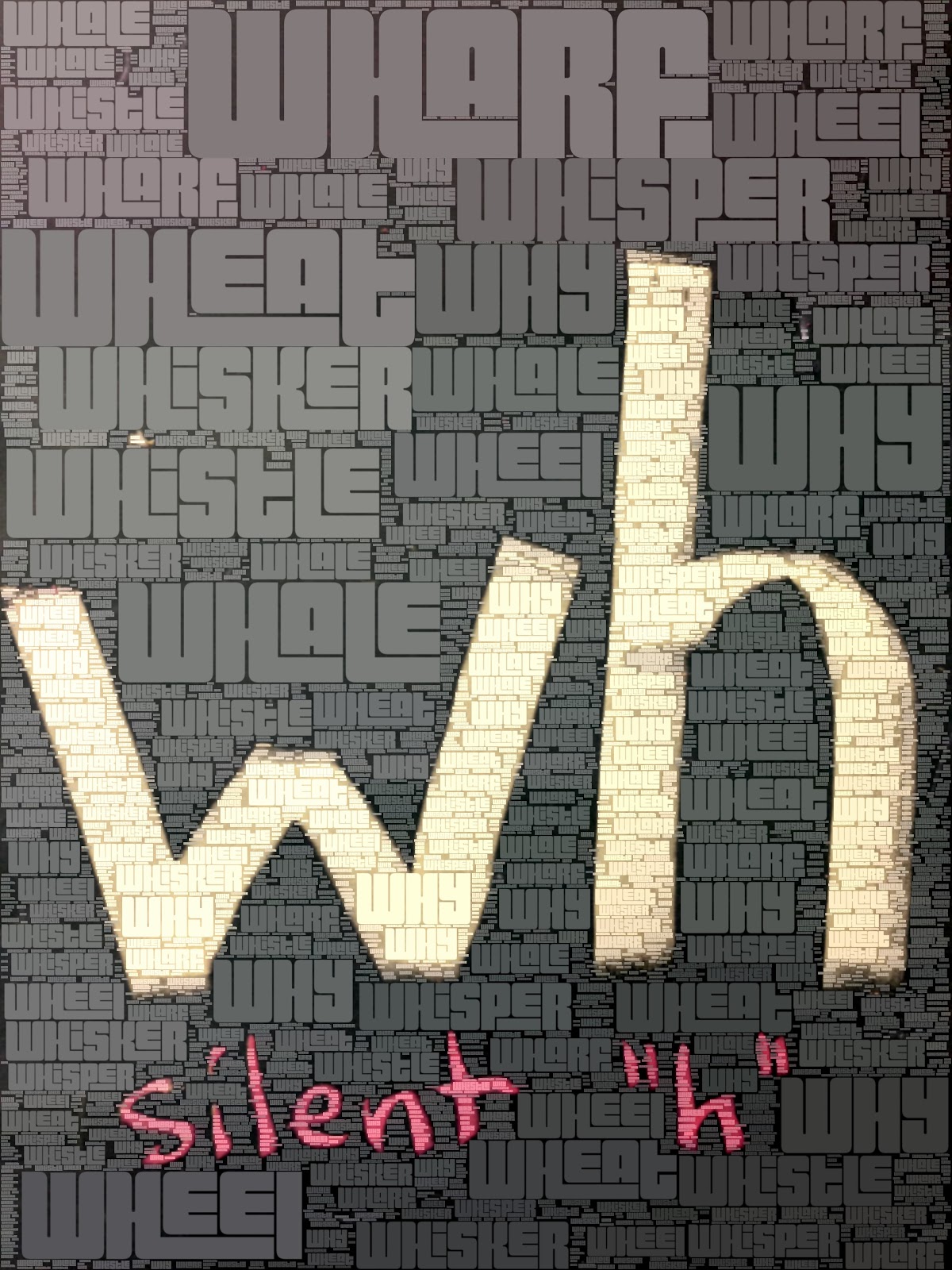
hooking one device up to a projector & doing it as a group.The app I used = WordFoto, the link is here, which is really quick/slick & intuitive (for teachers anyway!). I only wanted one colour word per pic, but you can do this with a theme & add up to nine. You can change the hue/size & fonts to some extent. I think the end product of 10 minutes running around & 10 mins after class (me) = stunning & very personalised set of flashcards. We will print these & display around the room!
Have you used WordFoto?